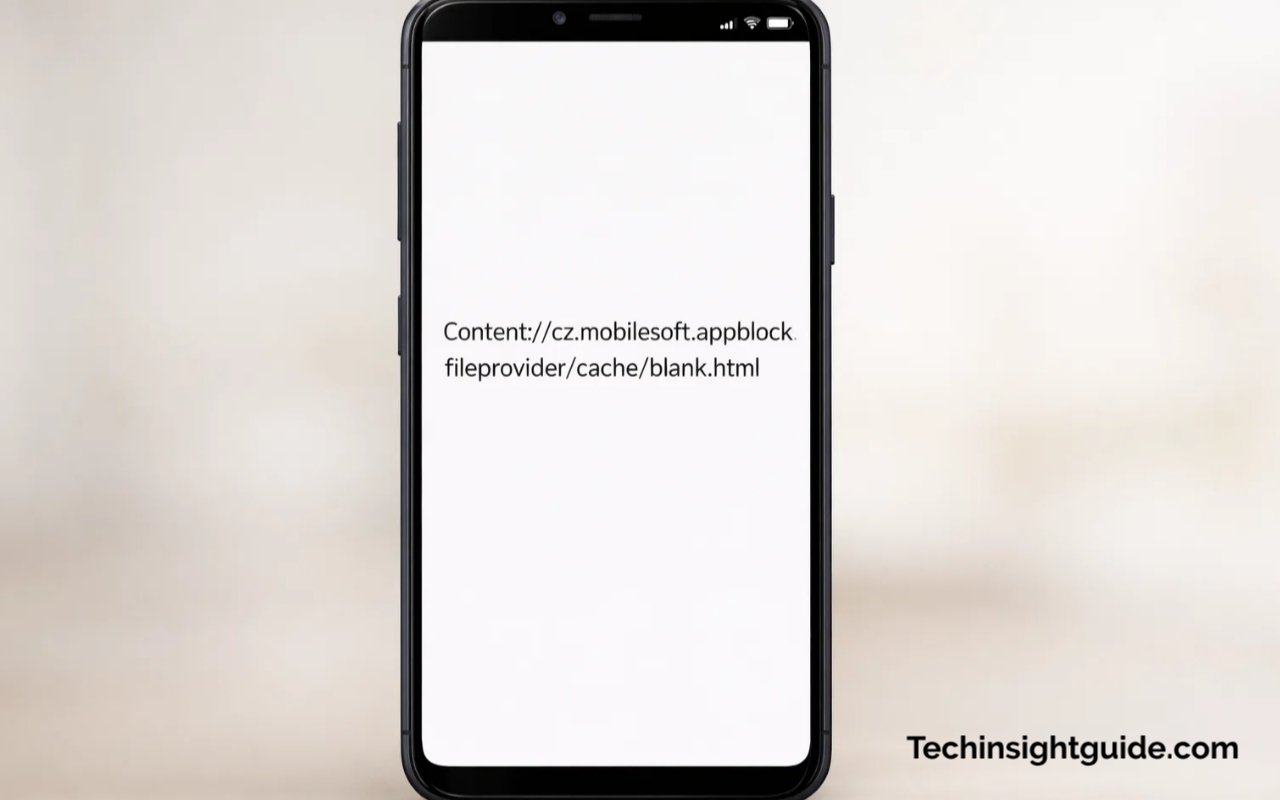
When you see something like content://cz.mobilesoft.appblock.fileprovider/cache/blank.html, you might wonder what it is and why it appears on your device. In simple terms, this is a Content URI—a unique address that Android uses to point to a specific file, in this case, a cached HTML file. Content URIs serve as a secure method for apps to access their internal files without exposing actual file paths, ensuring privacy and protection. These URLs are often used when apps need to reference files stored within their private directories, keeping everything safe and controlled.
The cz.mobilesoft.appblock.fileprovider part specifically refers to AppBlock, a popular productivity app. AppBlock is designed to help users focus by blocking distracting apps and websites. When you attempt to access a blocked website or app, instead of seeing the actual content, the app displays a blank placeholder page, which is the blank.html file. This file is located in the app’s cache folder and helps to prevent interruptions or crashes while keeping the device running smoothly.
In short, the appearance of content://cz.mobilesoft.appblock.fileprovider/cache/blank.html indicates that AppBlock is functioning as it should, ensuring that any content you’ve chosen to block remains inaccessible. It’s important to remember that this isn’t an error; it’s simply a placeholder that allows your device to continue operating without problems.
What is Content://cz.mobilesoft.appblock.fileprovider/cache/blank.html
| URI Component | Function |
|---|---|
| content:// | This is the Android data provider protocol identifier, directing to a specific app’s internal resources. |
| cz.mobilesoft.appblock.fileprovider | Represents the MobileSoft AppBlock application package that manages blocked content by referencing its internal storage. |
| /cache/blank.html | Temporary placeholder file created by AppBlock to replace blocked content, ensuring smooth functionality. It serves as a visual placeholder when restricted websites or apps are accessed. |
| AppBlock Integration | This URI is part of AppBlock’s content blocking mechanism, which replaces websites with a blank placeholder when access is restricted. It is essential for managing focus and productivity. |
| Privacy and Security | The content URI structure ensures data isolation and prevents unauthorized apps from accessing private files stored within AppBlock’s directory. |
| App Behavior | When a website or app is blocked, this URI leads to a blank page instead of showing a crash or error, maintaining user experience and preventing device issues. |
What is AppBlock and How Does it Relate to the Content URI?
AppBlock is a digital wellbeing app that allows users to block apps and websites, helping them stay focused and improve productivity. It works by restricting access to certain digital spaces during designated periods. For example, if you’re trying to avoid social media during work hours, AppBlock will prevent apps like Facebook or Instagram from opening. When you try to access one of these blocked sites, instead of a typical error message, you will see the content URI content://cz.mobilesoft.appblock.fileprovider/cache/blank.html.
This blank.html file is a local cache that AppBlock creates in its internal storage. It’s not an actual web page but a placeholder that prevents the app or website from loading while still keeping the user’s experience intact. By showing a blank page instead of an error, AppBlock ensures that the phone doesn’t crash or display a broken website message, thus providing a smoother user experience.
While this content URI might seem technical, it’s an essential part of how AppBlock works behind the scenes to maintain your focus without causing disruptions. By having this method in place, users can enjoy a consistent and reliable experience as they navigate between apps and websites that are allowed and blocked.
How Content URIs Protect User Privacy
Content URIs play an important role in Android’s privacy model. Rather than exposing file paths that could potentially be exploited by malicious apps or third-party entities, Android uses Content URIs to ensure that files are only accessible by their corresponding apps. This helps safeguard private app data, such as the blank.html file within AppBlock’s cache.
For example, instead of other apps being able to access the blank.html file directly, only AppBlock can read and manage the cached content. This ensures that no sensitive data is shared across apps without the user’s consent. So, when you see the URI content://cz.mobilesoft.appblock.fileprovider/cache/blank.html, rest assured that your data is isolated and protected within the app’s secure environment.
In the case of AppBlock, the blank page that shows up when trying to access a blocked app or website is stored safely within the app’s private storage, away from any prying eyes. This is a perfect example of how Android’s Content URI mechanism ensures data privacy while allowing apps to provide necessary functionality.
Why Do We See This Content URI on Our Android Devices?
You might see content://cz.mobilesoft.appblock.fileprovider/cache/blank.html on your Android device if you’re using the AppBlock app. This URI appears when AppBlock blocks a website or app you’ve chosen to restrict. Instead of showing an error or crash, AppBlock displays a blank page stored as blank.html in its cache.
You may also encounter this URI in your device’s logs or browser history while reviewing cached data or system files. It’s a normal, non-intrusive part of the app’s operation and doesn’t indicate a problem.
If you’re using AppBlock and see this URI, it simply means the app is working to prevent distractions without interrupting your device’s performance.
AppBlock Blocking Websites or Apps
The most common reason for encountering the content://cz.mobilesoft.appblock.fileprovider/cache/blank.html URI is that you are using the AppBlock app to restrict access to certain websites or apps. AppBlock allows users to select which apps or websites they want to block, helping to improve focus and productivity. When you try to open one of these blocked sites, you won’t see the website or app you intended to access; instead, you’ll see a blank page referencing the cached HTML file, blank.html.
This blank.html file is specifically created to replace the blocked content. Instead of displaying an error message or crashing your device, AppBlock shows a clean, blank screen that acts as a placeholder. This ensures the app doesn’t interrupt the system’s performance and prevents users from being distracted by blocked content. It’s a user-friendly approach to limiting access without hindering the device’s overall functionality.
Clearing AppBlock Cache or Logs
Another reason you might see this URI is when you’re checking browser history or system logs. Some Android devices store logs of recently accessed URIs, including internal content like the AppBlock blank.html file. This can happen when you’re troubleshooting, cleaning, or browsing the phone’s file system, and you may encounter the content URI content://cz.mobilesoft.appblock.fileprovider/cache/blank.html while reviewing logs or cache data.
In most cases, this is harmless and just reflects the app’s activity. AppBlock frequently stores this placeholder file to prevent unnecessary loading errors or disruptions when apps are blocked. So if you happen to find it in logs or history, you can simply disregard it as a standard, non-intrusive file that helps the app function properly.
Other Android Apps Using Similar Content URIs
AppBlock isn’t the only Android app that uses Content URIs. Many apps that manage or interact with files in a protected manner use Content URIs to maintain privacy and security. For instance, apps that allow for file sharing, cloud storage, or photo management will often create URIs to safely reference images, documents, or other content stored on the device.
These apps may not always use content://cz.mobilesoft.appblock.fileprovider/cache/blank.html specifically, but the method is the same. They create a local reference to the file, allowing access to the content without revealing the actual file path or compromising privacy. For users who are familiar with navigating Android’s internal structures, recognizing these Content URIs can help them understand how apps manage data in a secure way.
Is It Safe to See content://cz.mobilesoft.appblock.fileprovider/cache/blank.html?
Yes, it is completely safe. content://cz.mobilesoft.appblock.fileprovider/cache/blank.html is just a placeholder file used by the AppBlock app to show a blank page when you try to access a blocked website or app. It doesn’t contain any malware or harmful content and is stored securely in the app’s internal storage. This file is harmless and ensures your device works smoothly without errors.
Complete Safety and No Malware Involved
When you encounter the content://cz.mobilesoft.appblock.fileprovider/cache/blank.html URI, rest assured that there’s no malware involved. This file is simply a placeholder used by AppBlock, and it doesn’t contain any harmful software. The blank page serves a specific purpose: it ensures that when a website or app is blocked by AppBlock, the device continues functioning normally without any crashes or errors.
The blank.html file is stored in AppBlock’s private internal storage, and Android ensures that apps cannot freely access or interfere with one another’s data. This isolation between apps is a critical security feature that protects users from unwanted data exposure or interference. So, seeing this content URI is completely safe and should not raise any alarms.
Why It Doesn’t Indicate a System Error
A lot of users might mistake the appearance of content://cz.mobilesoft.appblock.fileprovider/cache/blank.html for a system error or a malfunction. However, this is not an error—it’s simply a placeholder file used to manage blocked content. Rather than showing an error message or breaking the app, AppBlock uses the blank.html file to prevent any interruptions or crashes. This feature ensures that the app runs smoothly and the device remains functional, even if the user attempts to access restricted websites or apps.
If you’re using AppBlock and you see the content URI, it means the app is doing its job properly by showing a blank page instead of the blocked content. There’s no need to worry or assume the device is malfunctioning—this is a standard process in how the app operates.
Trustworthiness of the App and Its Content URI
As with all apps that interact with private data, AppBlock follows Google’s security guidelines and uses Content URIs to keep user data secure. The app doesn’t expose any sensitive information to other apps or the internet. The blank.html file stored in the cache is simply a local reference used to keep the user experience smooth, and no personal or private data is ever shared or compromised through this file.
AppBlock is a trusted app in the productivity space and is widely used by those looking to improve their focus and reduce digital distractions. The use of content://cz.mobilesoft.appblock.fileprovider/cache/blank.html is part of the app’s internal workings and doesn’t pose any risk to the user’s privacy or security.
Conclusion: Why It’s All About Focus and Functionality
In conclusion, content://cz.mobilesoft.appblock.fileprovider/cache/blank.html is simply a local placeholder used by AppBlock to keep things running smoothly. It’s an essential part of the app’s design, ensuring that blocked content remains inaccessible without causing errors or disruptions. While it might appear as a technical string or URI to the untrained eye, it’s actually a crucial feature that helps the app deliver a seamless experience for users looking to stay productive.
Remember, this Content URI doesn’t indicate any form of malware or system error. It’s just Android’s secure way of managing content access. So the next time you see it, don’t worry—it’s a normal, safe part of the app’s operation. If you’re using AppBlock to help manage your digital wellbeing, you can feel confident that the app is doing exactly what it’s supposed to do: helping you stay focused and productive.
