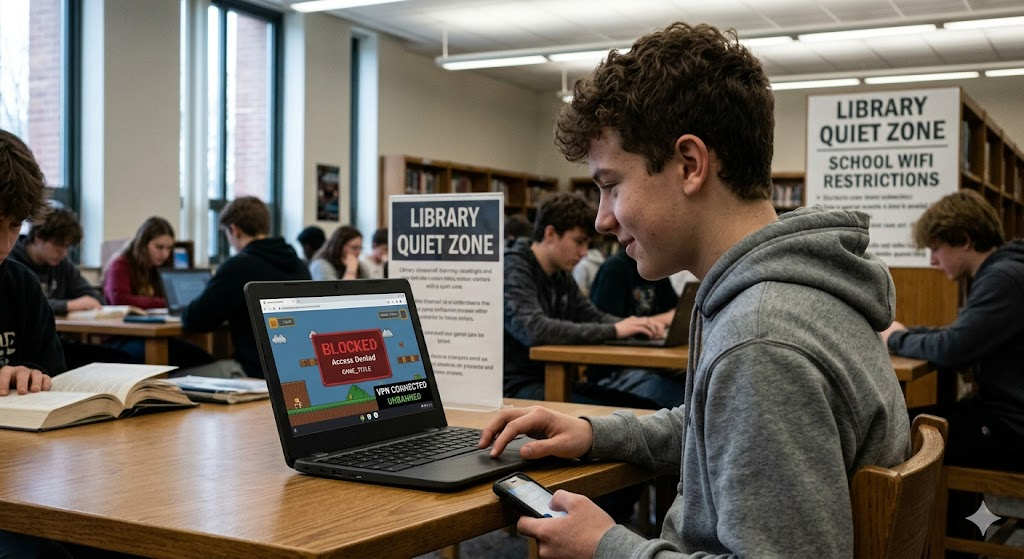
Are you trying to play your favorite game, but it’s blocked? It is very frustrating when you cannot access your games at school or work. Sometimes, you might even get an IP ban on a gaming platform. Do not worry! There are several simple ways to unban games and get back to your fun. This guide will walk you through easy steps to fix these issues so you can start playing again quickly.
Why Are My Games Blocked?
Usually, networks at schools or offices have firewalls. These act like a digital gatekeeper. They check every website you try to visit. If the system thinks a site is for gaming, it blocks it. This is done to keep people focused on work or studies. Sometimes, game developers also place an IP ban on your device if they think you broke a rule. Understanding why you cannot access the content is the first step to figuring out how to unban games.
Use a Reliable VPN for Access
A Virtual Private Network, or VPN, is one of the best tools to unban games. It works like a secret tunnel for your internet connection. When you turn it on, your traffic becomes hidden from the network firewall. The school or office system cannot see that you are visiting a gaming site. Because the firewall cannot see your activity, it lets you pass through. Just make sure to pick a fast and trusted VPN. This helps keep your connection smooth and lag-free while you play.
Try Using a Proxy Server
Proxy sites act like a middleman between you and the game. When you use one, you type the game’s address into the proxy website first. The proxy loads the page for you. The school network only sees that you are visiting the proxy site, not the game itself. This is a very common way to unban games when other options are blocked. However, remember that some proxies might be slower than a direct connection. If one does not work, you can always search for a different “mirror” link.
Switch to Your Mobile Data
If you are on a school or office Wi-Fi, the network is likely the problem. A simple trick to unban games is to disconnect from that Wi-Fi. Instead, turn on your phone’s mobile hotspot. Connect your computer or tablet to your phone’s internet. Since this uses your cellular data, it bypasses the local network’s rules entirely. This is often the fastest and easiest way to play without dealing with firewalls. Just be careful with your data usage, as some games can use a lot of it!
Changing Your DNS Settings
Sometimes, network administrators block games by using DNS filtering. This is a list of “forbidden” addresses. You can often bypass this by changing your device’s DNS settings. Instead of using the automatic settings, you can switch to a public one like Google DNS. Simply go into your Wi-Fi or network settings on your device and update the numbers. Many players use this to successfully unban games that were blocked by simple DNS restrictions. It is a quick and free fix to try at home or in school.
Appeal a Game Account Ban
If your actual gaming account is banned, the methods above might not help. Instead, you need to talk to the game developers directly. Most big gaming companies have a “Help” or “Support” page. Look for a section about penalties or account suspensions. You can submit an appeal there. Explain clearly that you think the ban was a mistake. If you follow the rules and stay polite, they might lift the ban for you. Always check your email for any messages from the game support team.
Clearing Your Browser Cache
Sometimes, old data on your computer keeps you from accessing a site. Your browser stores “cache” files to make sites load faster. If you were previously blocked, your browser might still be remembering that “block” page. To unban games that you know should be accessible, try clearing your browser’s cache and cookies. Restart your browser afterward. This forces the computer to fetch a fresh version of the website. It is a simple habit that fixes many connection errors and small glitches.
Use Private or Incognito Mode
If you do not want to clear your full history, try using Incognito mode. Most browsers have this feature. It does not save your cookies or history while you are in that window. Because it starts fresh, it might bypass some basic network filters. It is a very quick way to test if you can unban games without changing your permanent settings. If the game loads, you know the issue was just a stored cookie from your previous session!
Avoid Using Public Wi-Fi for Gaming
While it is tempting to play on any open network, try to avoid it. Public Wi-Fi is often very restricted. It is also less secure than your own connection. If you are trying to unban games while on public internet, you might face more blocks. Stick to private networks or your own mobile data. This keeps your account safe and makes it much easier to bypass any unwanted filters or restrictions you might encounter.
Final Thoughts on Gaming Safely
Getting back to your favorite games does not have to be a headache. Whether you use a VPN, a hotspot, or reach out to support, there are many ways to unban games. Always remember to play responsibly and follow the rules of your network. Have fun, stay safe, and enjoy your gaming time! If you have trouble, keep these steps in mind to quickly troubleshoot your connection and get right back into the action.
Comparison of Methods to Unban Games
| Method | Best For | Speed | Ease of Use |
| VPN | Bypassing firewalls | High | Easy |
| Mobile Hotspot | School/Work Wi-Fi blocks | High | Very Easy |
| Proxy Sites | Simple web-based blocks | Medium | Easy |
| Change DNS | DNS filtering | High | Medium |
| Appeal/Support | Permanent account bans | N/A | Slow |
Frequently Asked Question
1. Can I get in trouble for trying to unban games?
It depends on the rules of your specific school or office. Always check the acceptable use policy to ensure you aren’t breaking any important rules.
2. Are free VPNs safe to use?
Some are okay for light use, but many free VPNs have limits. Paid services are usually faster and more secure for gaming.
3. Will these methods work on all consoles?
Methods like mobile hotspots work on most consoles. However, changing DNS or using a proxy might be harder on devices like a PS5 or Xbox.
4. How long does an account appeal take?
It usually takes a few days to a week. Be patient and wait for an email response from the game’s support team.
5. Why is my game still blocked after using a VPN?
The game might have detected the VPN. Try switching to a different server location or checking if your VPN has a “gaming mode.”
6. Can I unban games on a public library network?
Yes, the same methods like using a VPN or your own mobile hotspot usually work in public libraries too!
